Inside the app
See it in action
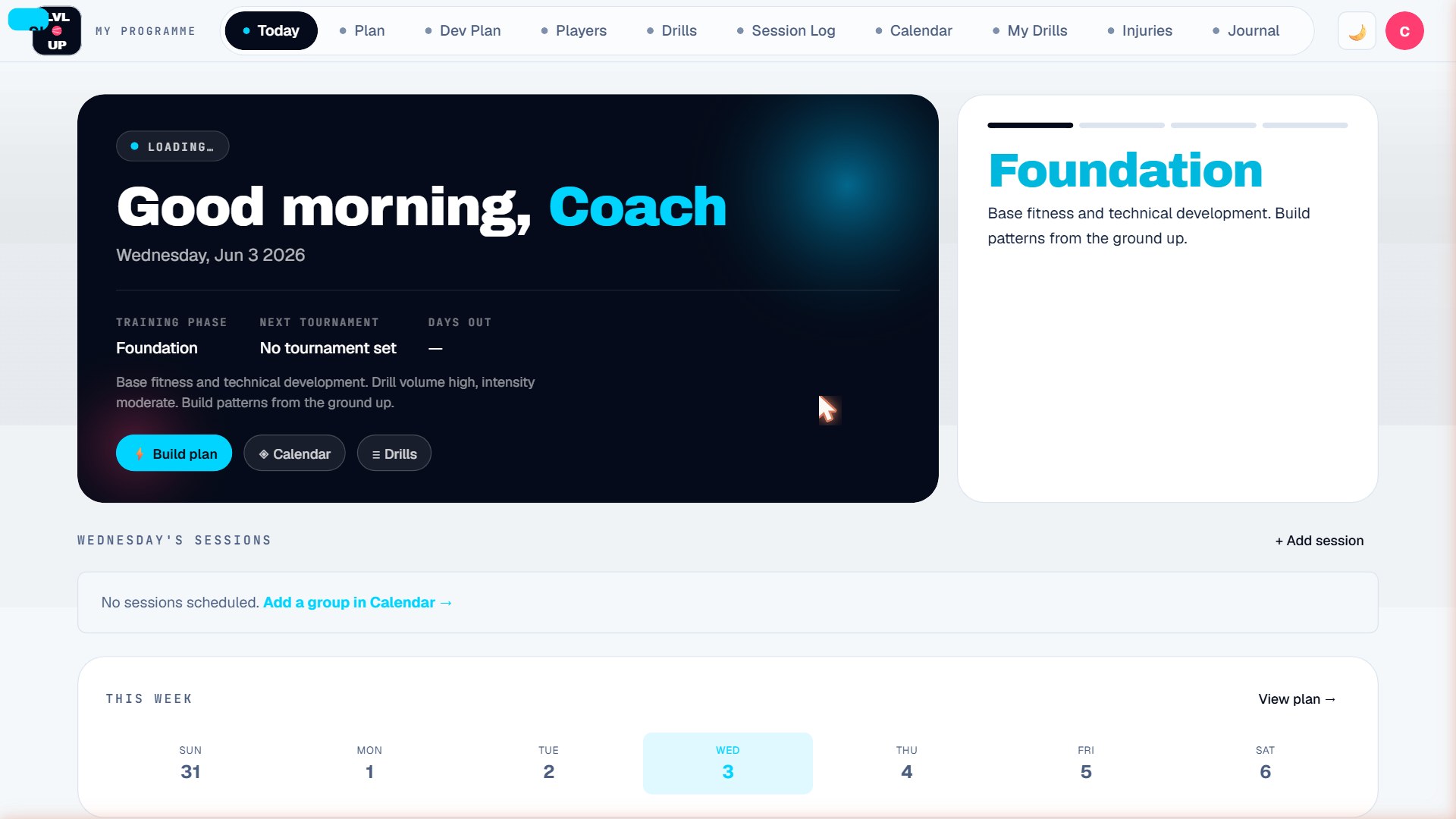
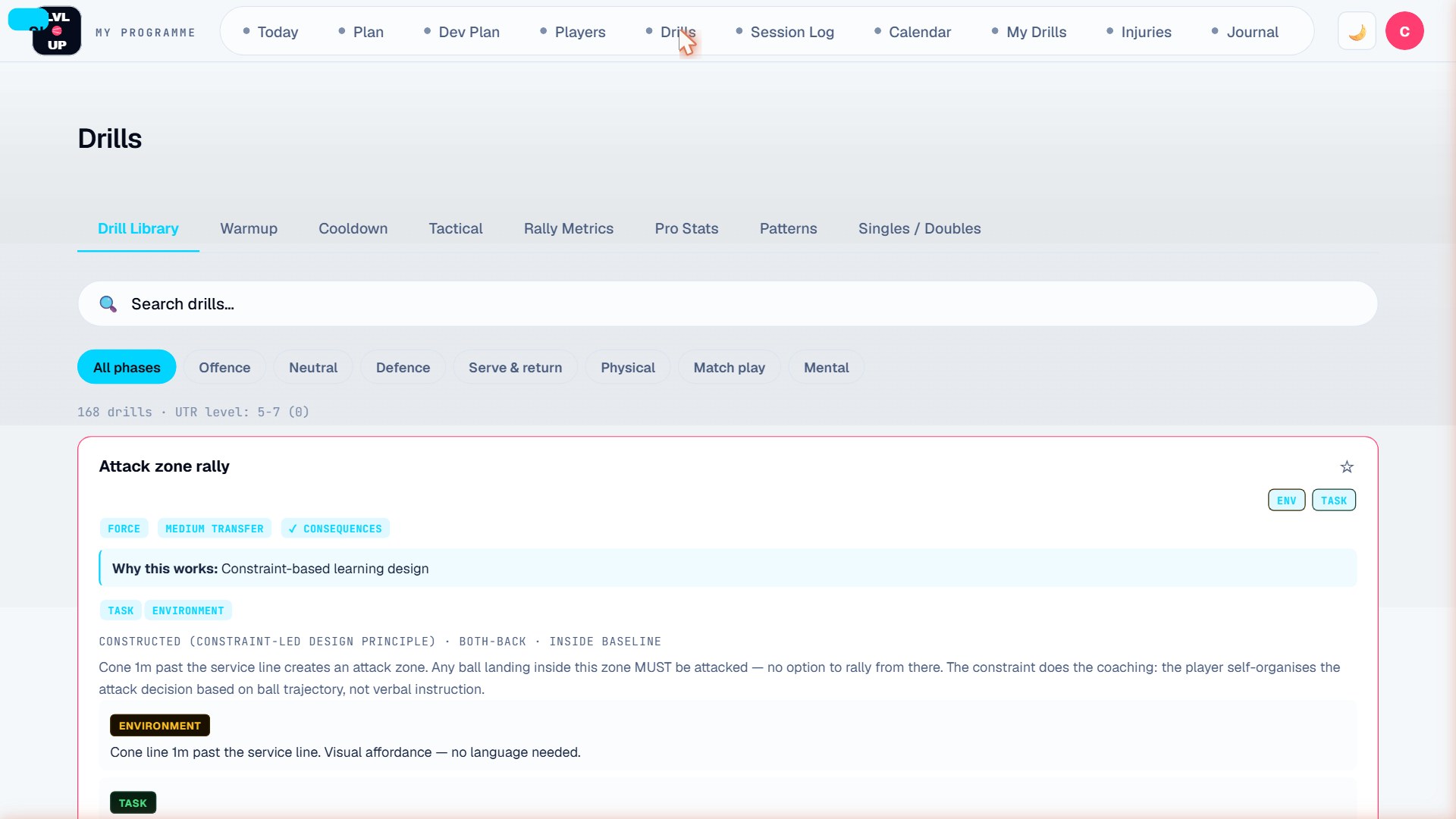
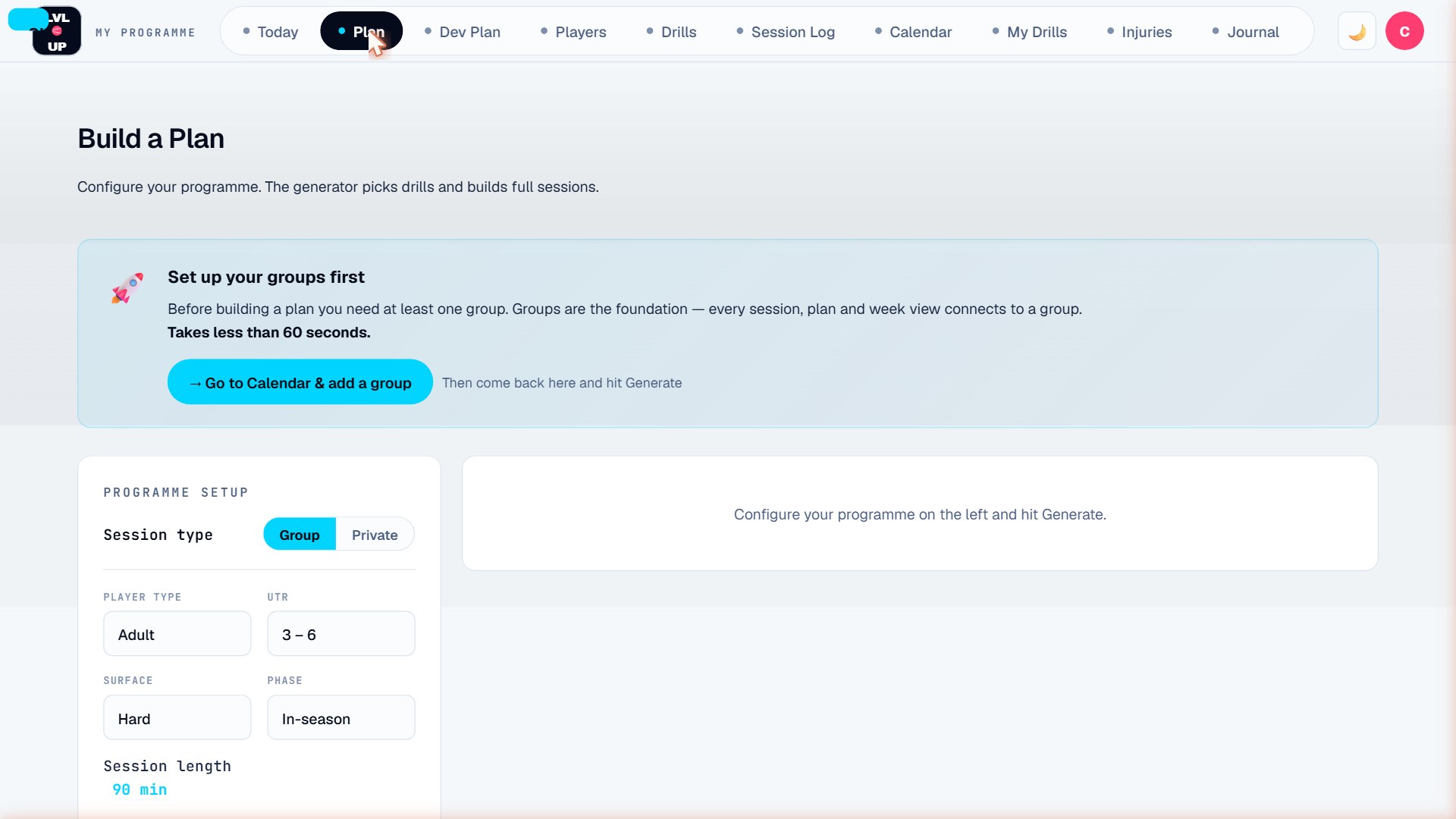
Every screen is built for real coaching — fast on mobile, clear in bright light, works offline on court.
Build UTR-anchored tennis development plans, track every player on one pathway, and plan training sessions in minutes — on any device, on or off court.
14-day free trial — no credit card required · Plans from $4.99/mo · iOS, Android & desktop
Used and shaped by Tennis Canada course facilitators and ATP Tour coaches
Each player gets one Pathway page built from what you have actually recorded — the next tournament, their results, their rating, your own read of their game, and their charted numbers against the professional average. Where there is nothing to show yet, it says so. Part of the Pro plan.
Put a tournament on the calendar and the page counts down to it: 12 days · Taper starts in 5 days. Next to it sits this week — the sessions and who came — and your Coach's eye: Below, At or Above their level in five areas.
Tap in a score or chart the match in Match IQ. The record splits by the opponent's rating — above, at or below the player's level — and every rating you log is kept, with the change since the baseline.
"LVL·UP is one of the most impactful innovations in the coaching industry in recent years because it addresses a real challenge coaches face every day — making the most of limited training time. By reducing the time spent on planning and increasing the quality and purpose of each session, LVL·UP helps coaches focus on what matters most: developing players and creating better learning environments."
"LVL·UP represents something genuinely new in our sport. As someone who has worked at the highest levels of professional tennis, I can say the thinking behind this platform is serious — the methodology is sound, the structure is intelligent, and the potential impact on how coaches develop players at every level is significant. This is a first-of-its-kind tool, and the game is better for it."
"The LVL·UP Tennis app is an incredible tool for coaches, parents, and players — helping with planning, communication, and, most importantly, Long-Term Athlete Development."
Stop planning sessions on paper or juggling separate apps. LVL·UP gives you every tool a tennis coach actually needs.
Every screen is built for real coaching — fast on mobile, clear in bright light, works offline on court.
One coach, one account. Whether you run a full academy programme or teach one student on weekends — LVL·UP works the same way.
I'm Robert Senic — Head of Performance at the Royal Glenora Club, with 19 years of coaching across Canada, Australia, Germany, and the UK. I've led ITF junior programmes in Europe and helped players to junior Grand Slams, first ATP and WTA points, and professional titles.
LVL·UP began with a question every coach knows: what's the best way to plan a player's development — and how do you do it well when the court fills your whole day? I believe good planning is what turns sessions into development, and I believe technology can do far more for coaches than most of us ever ask of it.
This platform is my answer so far: drills written the way a coach runs them, plans anchored to where a player actually is, and tools that give a coach time back. If it helps your coaching, that's the whole point — and if you see something that could be better, email me. I'd genuinely like to hear it.
Robert Senic · Founder, LVL·UP
Every coach plans sessions. Not every coach needs the full player-development platform on day one — so LVL·UP grows with you.
You want a drill, you get it. You want a session planned — done. Quick Plan and the drill library, ready before you reach the court.
Fine-tune any session drill by drill, build your own drills, watch the training load — and run Group Play on court. The plan your free trial runs on.
Player profiles, season-long pathways, Match IQ charting and parent reports — the full player-development loop.
Move up whenever you’re ready — everything you build comes with you.
Every trial runs 14 days on Advanced — no credit card, start coaching instantly. When you know what you need, choose your plan. Everything you build stays safe on whichever plan you choose.
Plan sessions. Run them. Done.
The plan your trial runs on
The full player-development loop
30-day money-back guarantee — no questions asked.
Each subscription covers one coach. · Clubs: the Staff room puts every coach in one place, with attendance by group for the director — contact me for club pricing — hello@lvluptennis.com
No. The 14-day trial needs no credit card, so nothing is billed during it. You only enter payment details if you decide to subscribe after the trial — and you choose exactly when that happens.
Yes. LVL·UP is a Progressive Web App — install it on your iPhone or Android home screen and it works exactly like a native app, including offline. No app store needed.
Yes. The Session Log has a Group / Private toggle. Private lessons track a single player with the same ratings and notes system used for group sessions.
One subscription covers one coach. Clubs can run their coaches together through the Staff room — a director view of attendance by group, and a tick sheet on each assistant’s phone. The director sets up each group — ball colour, days, time and length — and every coach on it gets the group already set up. For club pricing, contact me at hello@lvluptennis.com.
After 14 days you pick the plan you want to keep going on — Basic, Advanced, or Pro. Nothing is charged automatically — there's no card on file — so you only subscribe if you choose to continue. Either way your data is kept safe, and you can pick up right where you left off whenever you subscribe.
The 14-day trial runs on Advanced — so you're seeing the drill fine-tuning, Group Play, Match IQ singles charting and the Session Journal as well as the planning. The trial opens the first two weeks of each plan and a selection of the drill library; the patterns of play, tactical situations and format drill libraries and printing your plans open when you subscribe. When it ends, pick the plan that fits: stay on Advanced and you keep all of it, step up to Pro for the player-development tools, or take Basic for planning and the drill library. Everything you build stays safe on whichever plan you choose.
Yes. Email hello@lvluptennis.com and we'll cancel within one business day. Monthly subscribers keep access to the end of their billing period. Annual subscribers keep access through the end of their year — no partial refunds are issued beyond the 30-day satisfaction guarantee.
iPhone (Safari): tap the Share button → scroll down → tap "Add to Home Screen" → tap Add. Android (Chrome): tap the three-dot menu → tap "Add to Home screen" → tap Add. It opens from your home screen like a native app and works offline.
One subscription covers one coach account. If you work with other coaches, each coach needs their own subscription. For a club or team, contact me at hello@lvluptennis.com.
Email hello@lvluptennis.com — we aim to respond within 24–72 hours.
Your data is stored securely in the cloud and synced across devices (Match IQ matches charted on Advanced or the trial stay on the phone they were charted on) — nothing is lost during an outage. If something looks broken, email hello@lvluptennis.com and we'll get on it right away.
Join coaches using LVL·UP to anchor every plan to a player's level, close real gaps, and track what moves the needle.
Start your free 14-day trial →14-day free trial · No credit card · Plans from $4.99/mo